


Building with AI? Five security questions you can't prompt away

A few years ago, a small business that wanted its own booking system or customer portal had to hire a developer or team to build and maintain it. Today you can describe what you want to an AI tool and have something working by the end of the week.
AI will also answer your security questions, quickly and confidently. The problem is that confidence isn't proof. Veracode's 2026 GenAI Code Security Report found that leading AI models produced code with a known security flaw in 44% of tasks where security mattered. The apps ran perfectly. The flaws only showed up when someone went looking for them.
Some security questions need a decision only you can make. Others need a check only you can do. These are five you can't hand over to a prompt.
1. Who should have the keys to your business?
An AI tool can build a login system. It can't decide who in your business should have access to what, and it won't notice when a former employee still can. Research released by Kaspersky found that weak or stolen logins were behind 18% of cyber incidents at South African small and medium-sized businesses.
What only you can do: decide who needs to log in to the back end of your app and what each person should be able to change. Give everyone their own login, never a shared one. Switch on a one-time code sent to your phone for your own account, since it controls everything. Remove access the day someone leaves.
Where AI can help: ask it to set up separate access levels and one-time codes, and to limit how many wrong password attempts are allowed.
2. Can a customer see someone else's information?
Ask an AI tool whether your app keeps each customer's information private and it will probably say yes. That answer is only as good as the code it wrote, and this is one of the most common gaps in AI-built apps. A customer's order page might have an address ending in a number, such as …/orders/1045. Change it to 1046, and the app may show someone else's order.
What only you can do: test it. Create two customer accounts. Log in as one and try to open the other's bookings or orders by changing the web address. If it works, any customer can do the same.
Where AI can help: if the test fails, show the AI exactly what happened and ask it to fix every page that shows customer details. Then test again.
3. What information do you actually need?
AI will collect whatever your forms ask for and store it wherever it's told. Deciding what to collect, and how long to keep it, is a business and legal decision. The Protection of Personal Information Act (POPIA) applies to every business that holds customer details, however small.
What only you can do: go through every form in your app and ask whether you need each field. An ID number, a date of birth or a home address you never use is information you have to protect for no reason. Decide how long you keep customer records and when you delete them.
Where AI can help: ask it to list every piece of personal information the app collects and where each one is stored, so you're deciding from a complete picture.
4. What happens if one of your accounts is misused?
If your app takes payments, sends emails or links to a booking calendar, it uses a private code to connect to each of those services. These codes work like the keys to your business accounts. AI can tell you where it stored them. It can't tell you what they would cost you in the wrong hands.
What only you can do: log in to each service your app connects to, such as your payment provider or email service. Limit what the app's code is allowed to do there, and set up spending or usage alerts so you hear about unusual activity quickly.
Where AI can help: ask it to list every code the app uses and confirm none of them are visible to someone using the app.
5. What did your last change undo?
An AI tool works on what you ask it for in the moment. Ask it to add a feature, and it can rewrite parts of the app that were working safely before, without mentioning it. It doesn't keep track of the security decisions you made last month.
What only you can do: keep a short list of the checks above, and run through them again after every significant change, not only at launch.
Where AI can help: after each change, ask it what it altered, and whether any of it touches logins, customer information or the connections to other services.
Before you launch: get a second opinion
AI tools can miss flaws in their own work, and they can sound confident when they're wrong. Treat their answers to these questions as a starting point. If your app handles payments, ID numbers or large amounts of personal information, ask someone with security experience to check it before launch. It costs far less than fixing a problem after customers are affected.
If something goes wrong
If you think your app has been breached, act straight away:
- Change your passwords and the connection codes from question four.
- Take the affected part of the app offline if you need to.
- Write down what happened and when.
If customers' personal information may have been exposed, POPIA requires you to notify the Information Regulator and the affected customers as soon as you are reasonably sure it has happened. Reports to the Regulator go through its online eServices portal.
Building safely with HyperDev
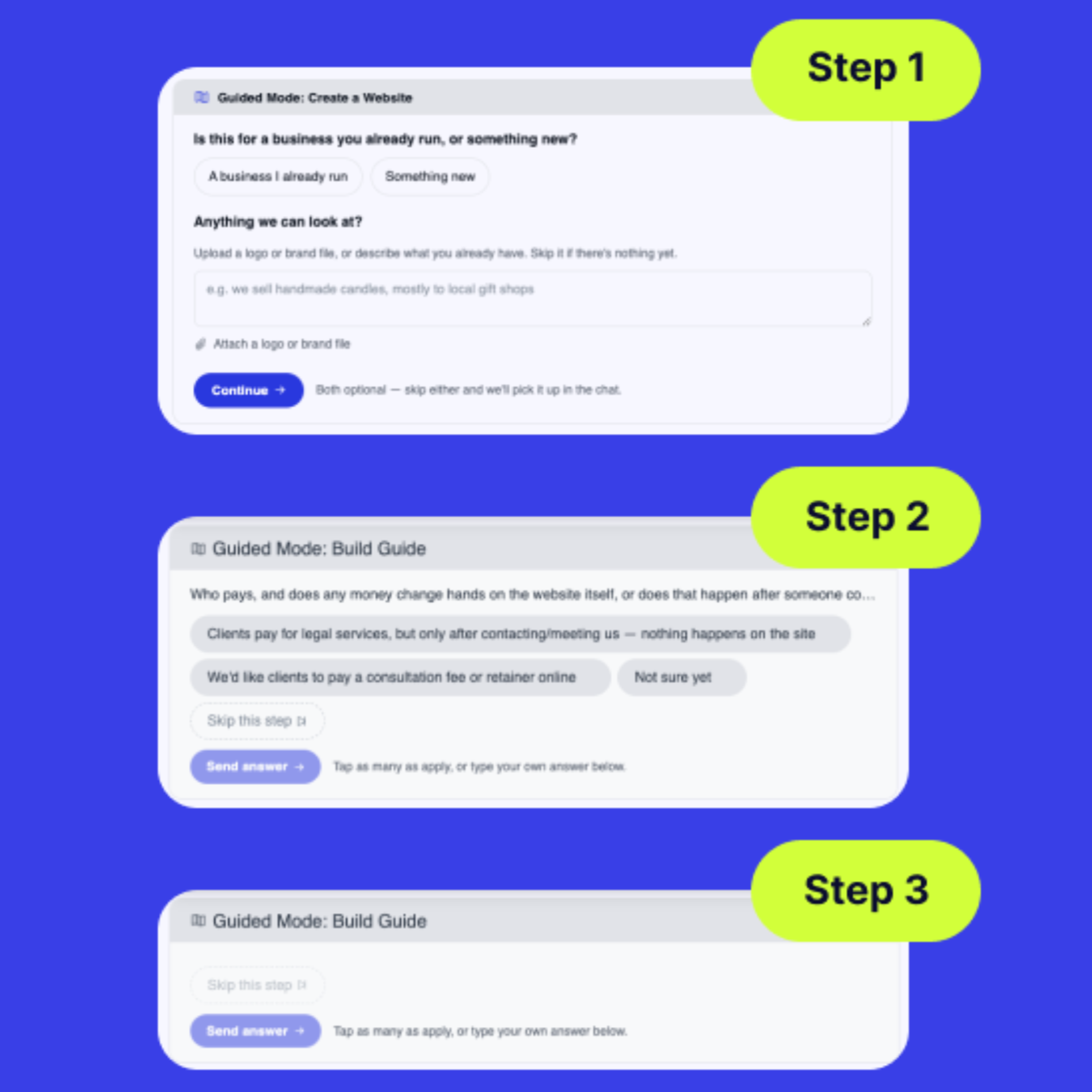
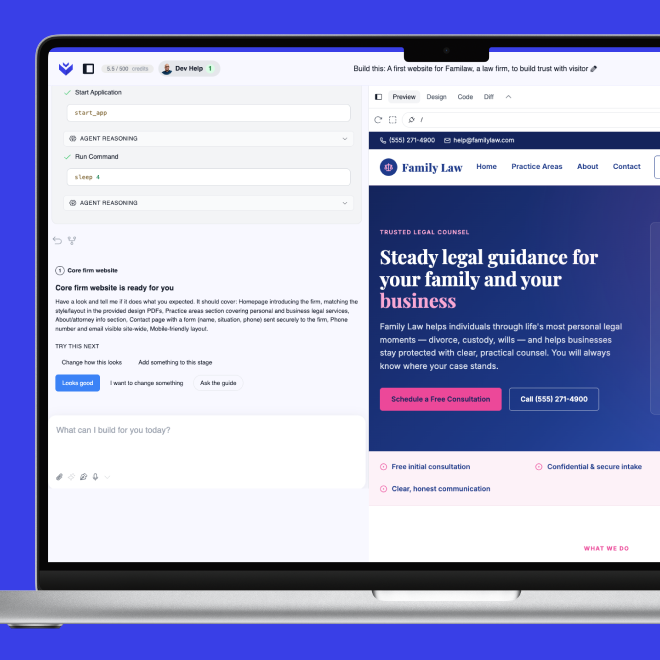
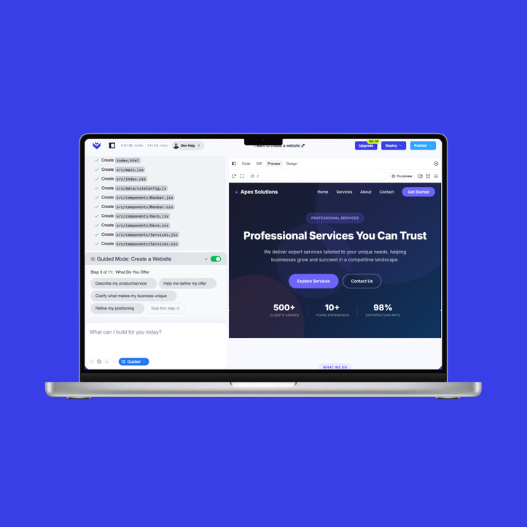
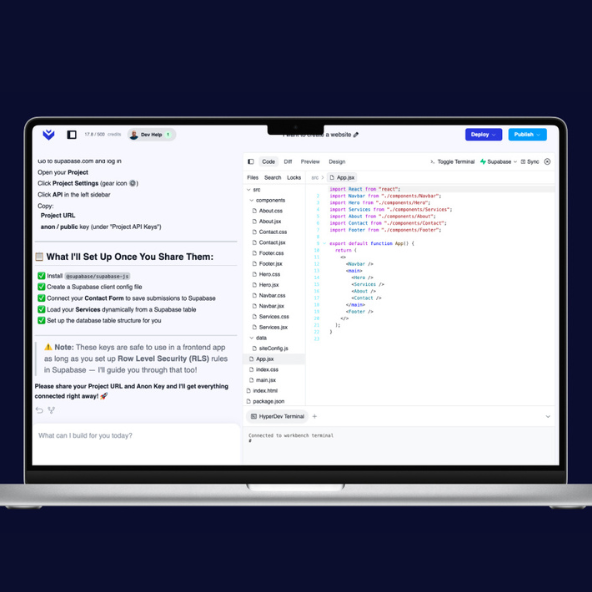
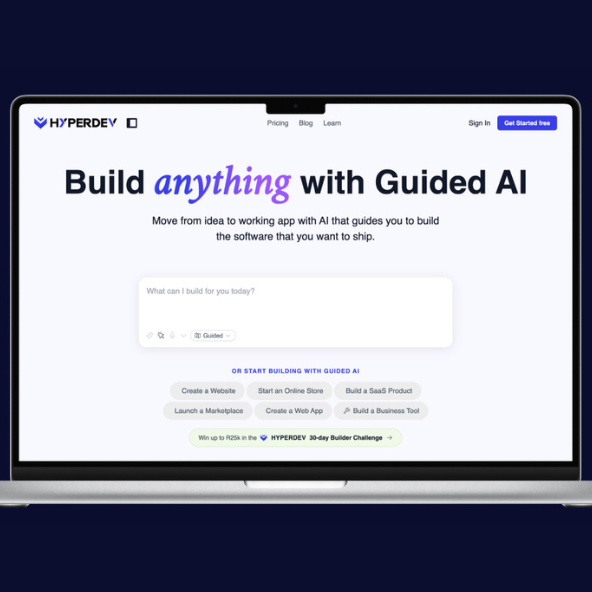
HyperDev's Guided Mode takes you through each stage of building an app, and a human expert can step in when a project hits a problem the AI can't solve.
AI has made it possible for almost any business to build its own software. These five questions are how you make sure your customers can trust what you've built.

.png)


%201.png)
